This is one country where you definitely need preparation and research before your arrival. I have visited twice now, to Chengdu and Shanghai, flown with China Eastern & Southern and spent a week in Hong Kong. There are many tips and tricks I can provide and that is exactly what this post is designed to do. Here is what you need to know before you travel to China.
Visa Status
Check with the Chinese Government and your own before you begin to plan your travel. China seems to change and update its visa status fairly often. When I planned my trips this year for example, Canadians were only allowed to enter for 10 days using the 240 hour transit visa. One month later, the Chinese government changed that, and now, Canadians are allowed to enter visa free for up to 30 days. This however, is only in effect until Dec, 2026. So while I want to return next year, I don’t plan anything yet, until I see what the new changes might be.
Apps
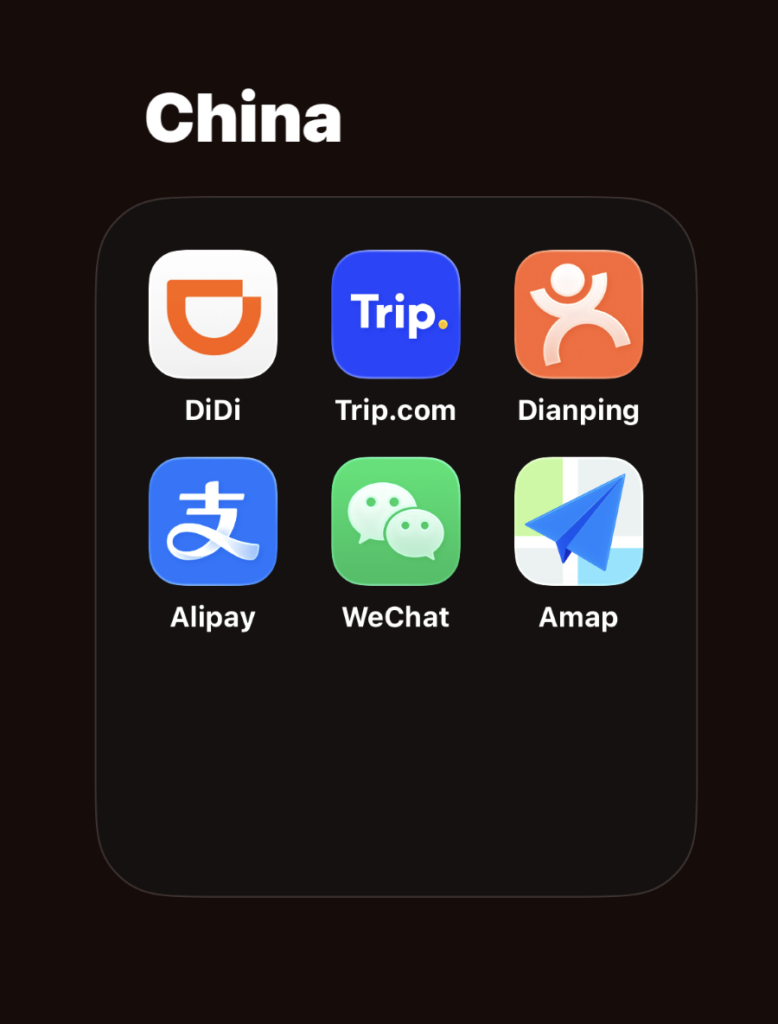
There are several that are absolutely necessary for you to be able to function with any type of ease. Most western apps and search engines don’t work in China. The ‘Great Firewall’ blocks just about everything and some are even banned completely. Imagine having no access to google, safari, Facebook, YouTube, TikTok, Netflix….the list goes on. You cannot even check your email. This is where the Chinese apps come in and these ones are the most critical.
Alipay & WeChat
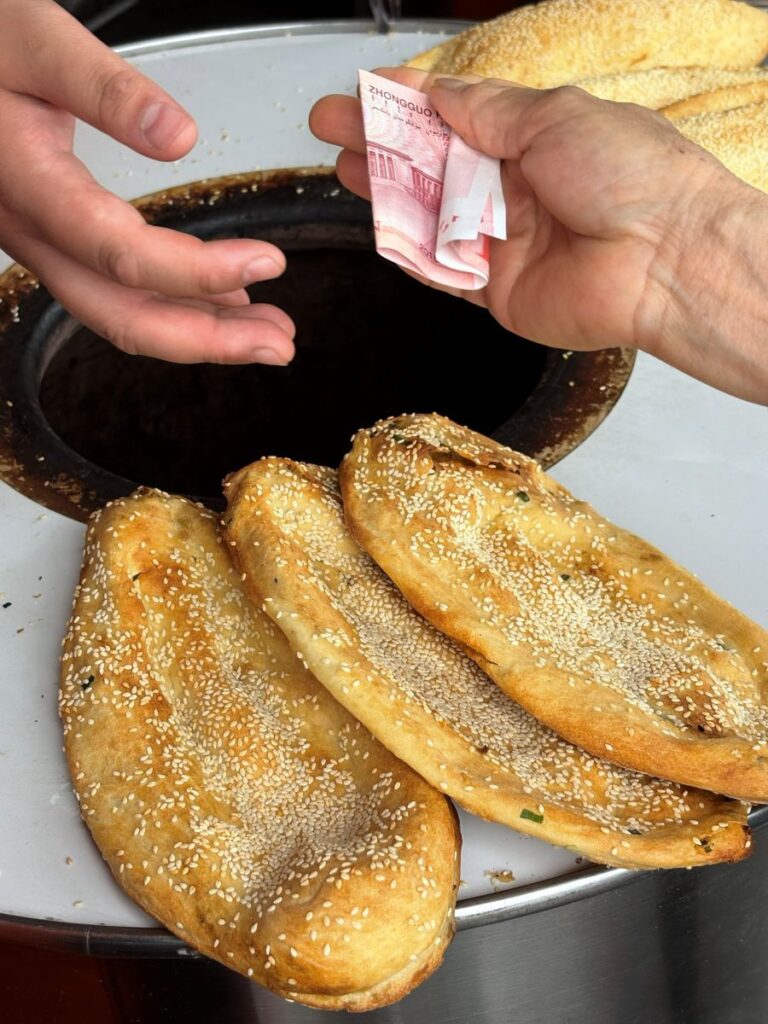
They both work almost the same and their most basic function is to allow you to pay for things. Cash is still used, don’t believe people who say China is a cashless society, because I have seen it changing hands every single day. Its most commonly used by older folk and children and in settings like street food and markets.

However, saying that, the majority of the population uses Alipay and WeChat. I’ll focus on Alipay because that is what I used the most. Download both before you arrive in China. They need to be set up and functioning and this can take some time depending on your banking situation. After you create an account, you need to link your bank cards. Some require verification and others don’t. But this all needs to happen outside of the country, before your arrival.
When it comes to using them to pay, the vendor will either supply you with a QR code that you scan from the app, or they will scan your phone, inside the app. Most transactions will require you to verify the purchase by entering a numerical code that you created upon the initial set up, so select something that you can remember easily. You will then receive a confirmation page and this is what you will show to the vendor that lets them know the transaction completed successfully.
Alipay Specifically
If you are making a purchase over ¥200 you will be charged a handling fee. It can really add up quickly. Ask the vendor to divide the purchase up into smaller increments to avoid this charge. The sellers will happily do this in most cases.
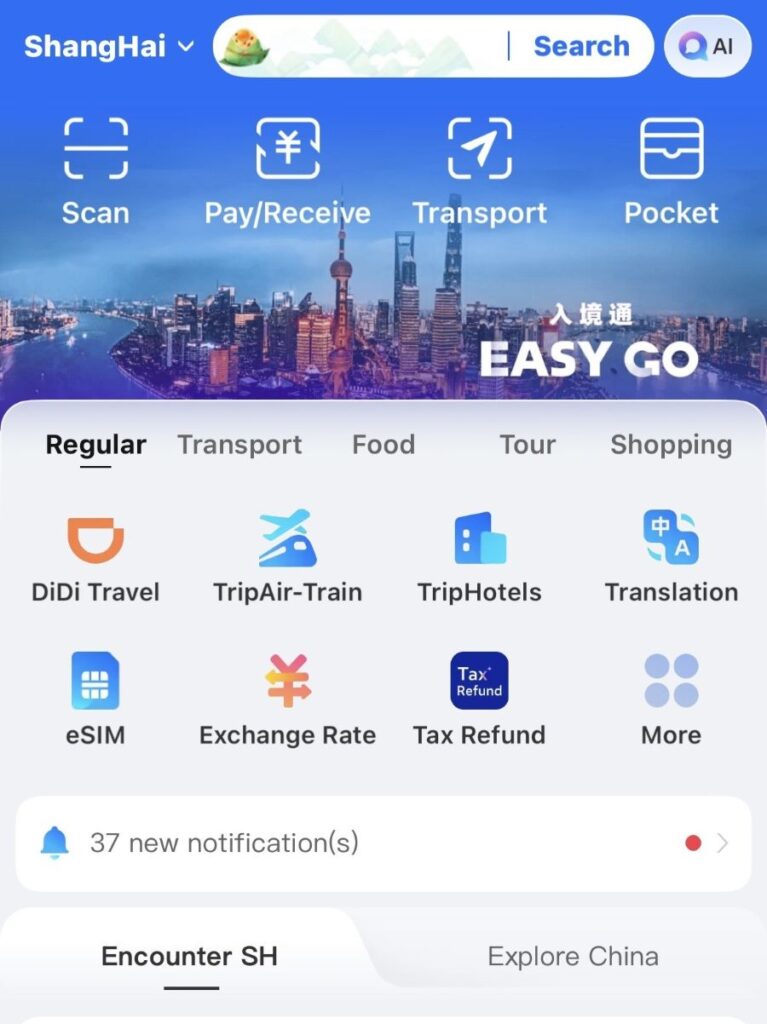
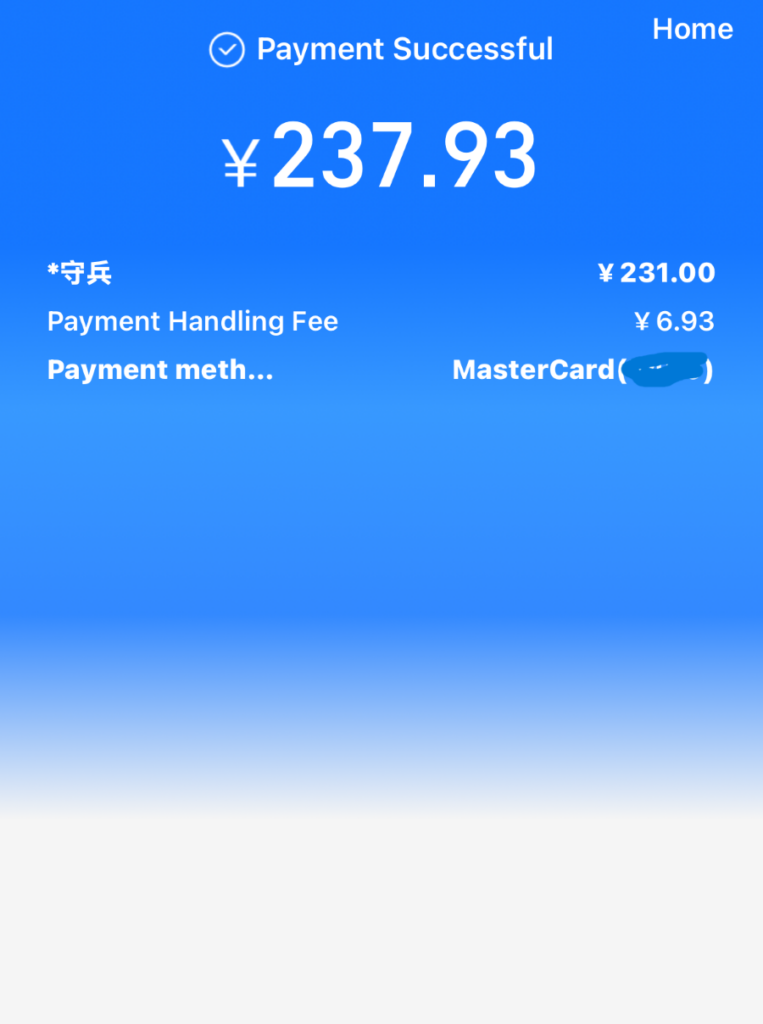
To order any type of fast food you will need to order thru Alipay. There is no counter service and no machines to use. If you scan the QR code inside the café or restaurants it will take you to the app store, however you cannot download their version of the app because it wont work on foreign phones. Your go around is to order from inside the Alipay app. Simply search the restaurant, like McDonalds or Luckin and select your location you are at. For this you will need the help of the service staff as its all in Chinese.
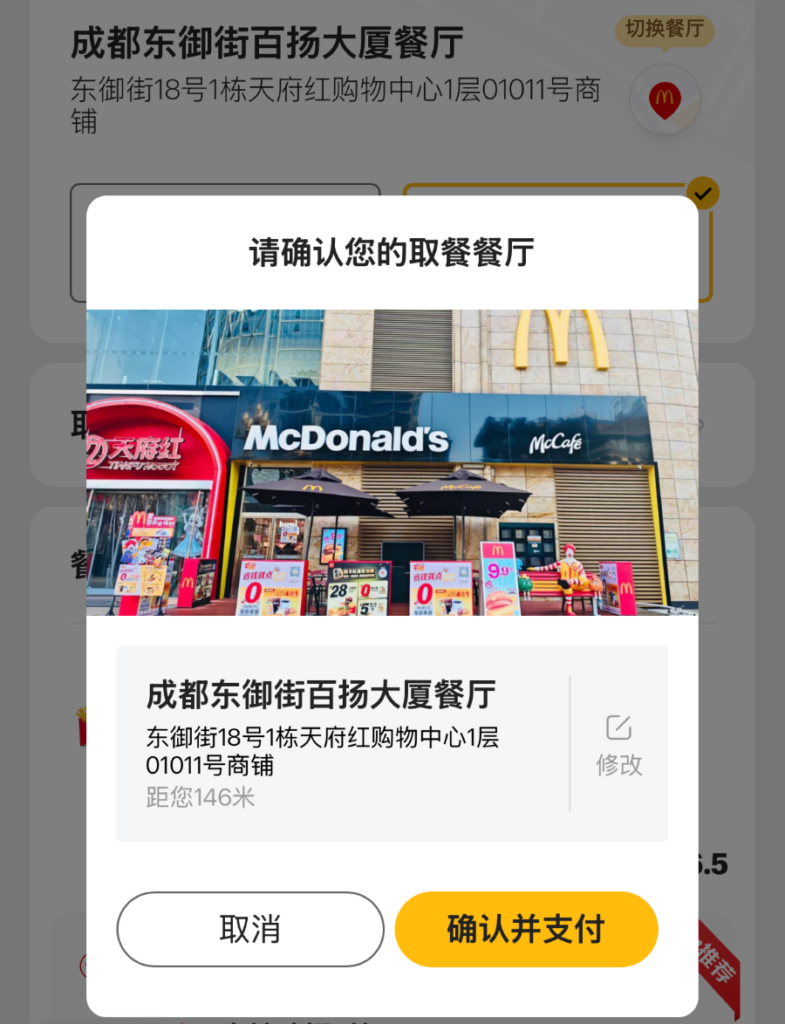
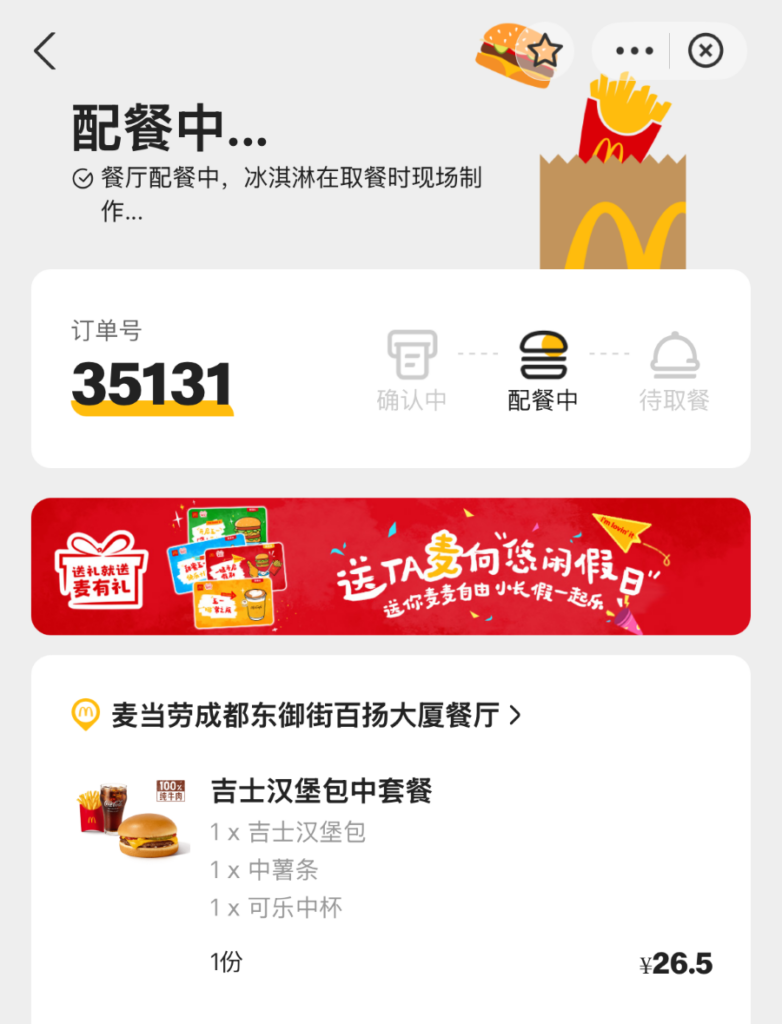

Alipay does translate fairly well into English but not for ordering food. Once you are in that section of the app, its all Chinese. You will be screen shotting every single page, going to Google Translate, figuring out what it says, then going back to the Alipay app to get to the next screen. It took me 43 minutes to order a coffee from Luckin, China’s version of Starbucks. It’s an effort in patience and perseverance. 🤯😭
AMaps
Google Maps does work in China, however its in its most basic form, a street map that is not entirely accurate. There are very few businesses, hotels and hardly any restaurants available to search. For many, this lack of detail renders the app useless in China. The best thing to do is download the AMaps app before your arrival.
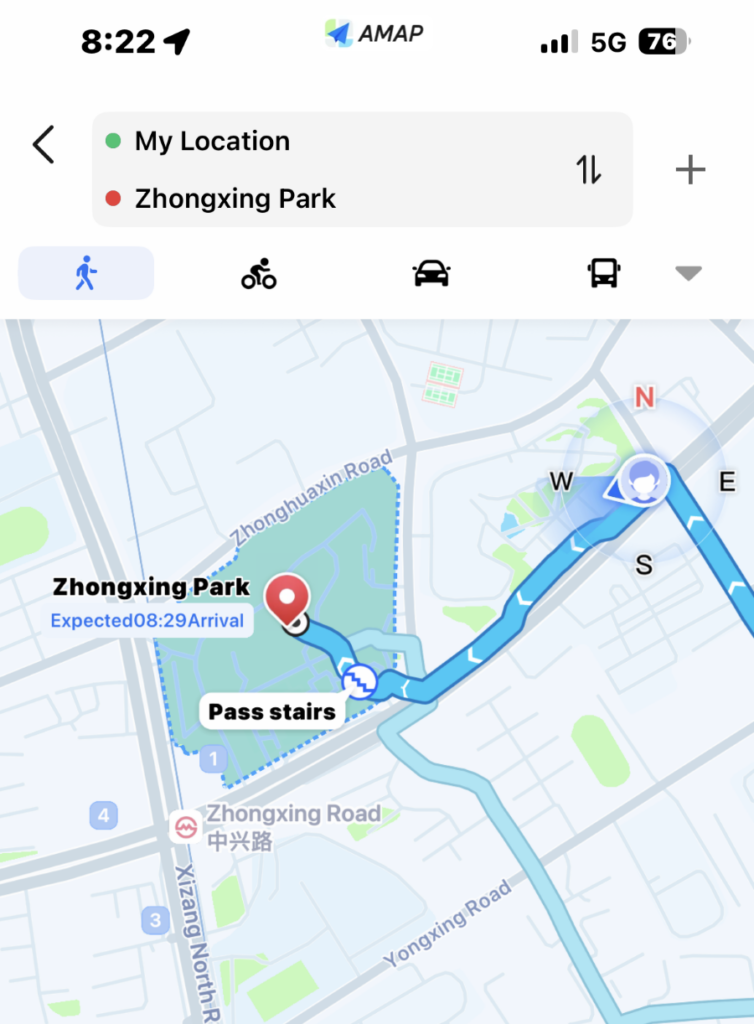
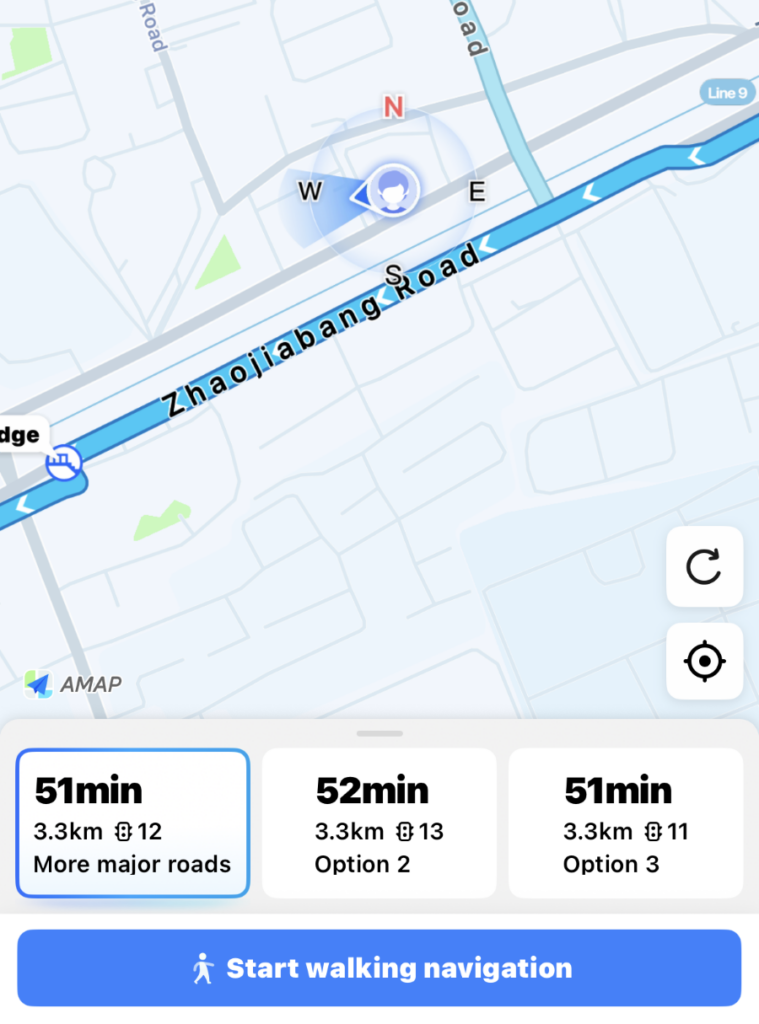
AMaps functions just like Google Maps and of course has every detail and more. It does translate to English fairly well, but many things are still in Chinese. The biggest issue I had with AMaps was when I entered a name to search. In most instances I had multiple options, think 30 for example, and had to try and figure out the one I needed. What I ended up doing was using both Google Maps and AMaps together. Google Maps worked as far as showing me the main roads and routes to and from my hotel for example. AMaps came in handy when I needed to find a specific location for something.
Trip.com
This is the most helpful app for finding hotels, booking excursions and purchasing eSIMs. You can search for your hotel on a site like Expedia for example but you will get only a fraction of what is actually available. For budget hotels especially, Trip.com is your most helpful resource.
Dianping & Didi
I downloaded both of these as it was recommended by other travellers. Dianping is used for searching for business such as restaurants, cafes, salons etc. and provides all of the reviews. Similar to Google reviews, TripAdvisor or OpenTable. I did not use it at all because you need a physical sim card and local phone number in order to register for an account.
Didi is your ride share app and works just like Uber. I was unable to get the app itself to work which is common for foreigners travelling to China. The work around for this is to simply use the Didi tab inside the Alipay app. Didi is very affordable and efficient but there are a few things to know.
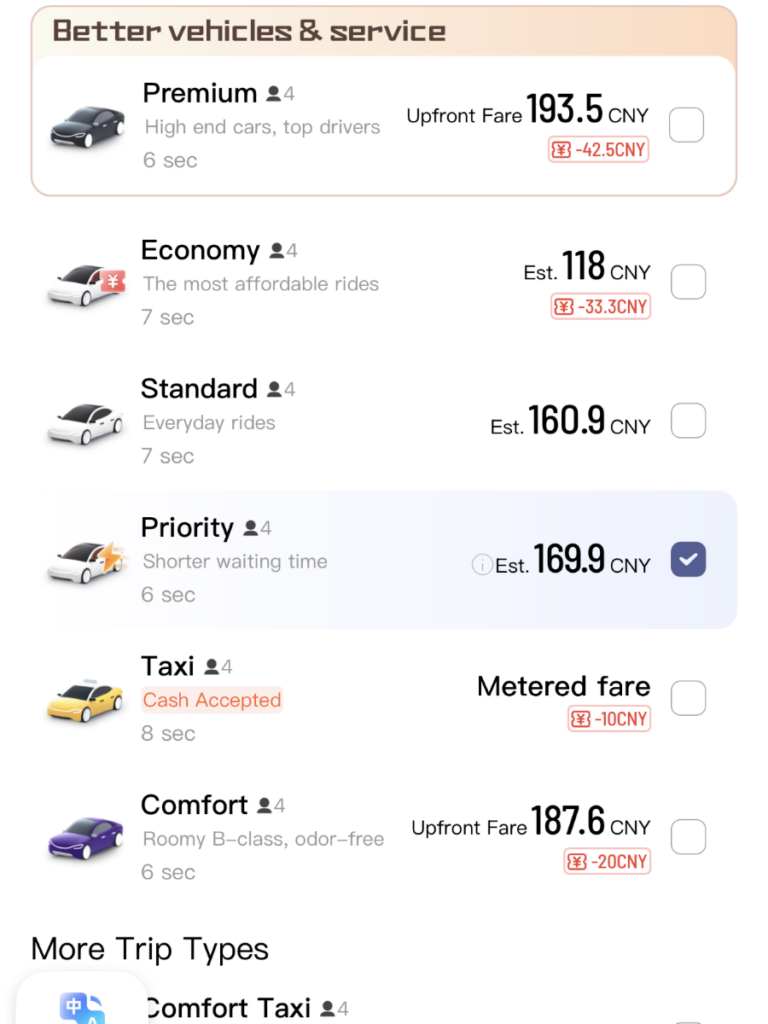
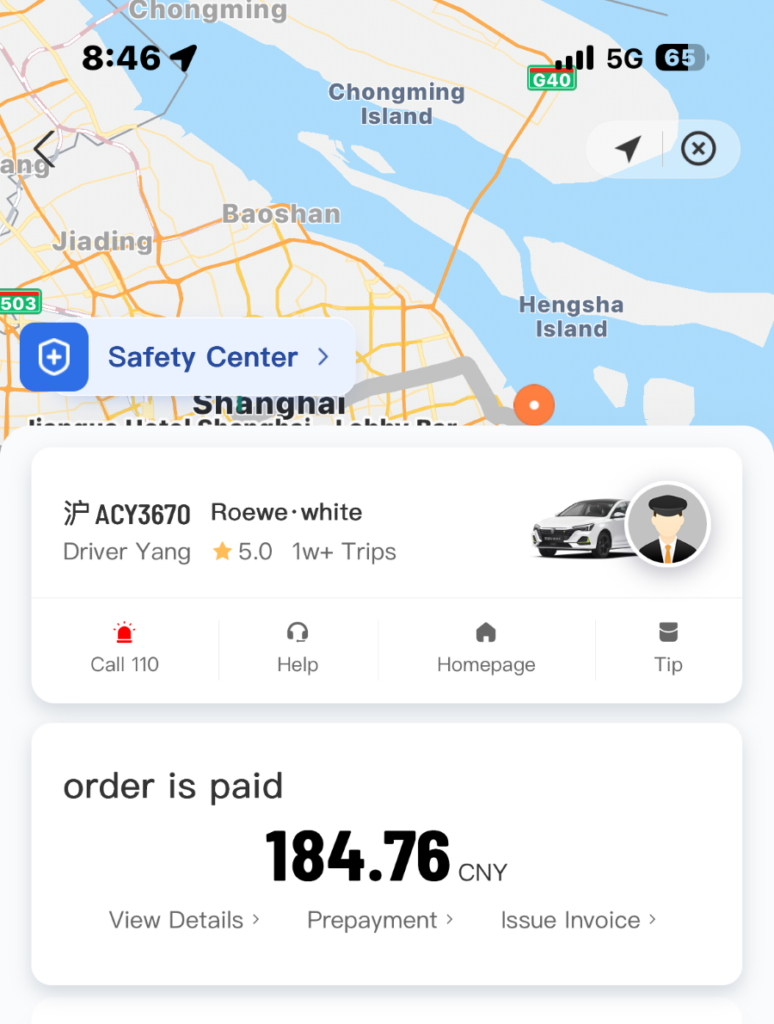
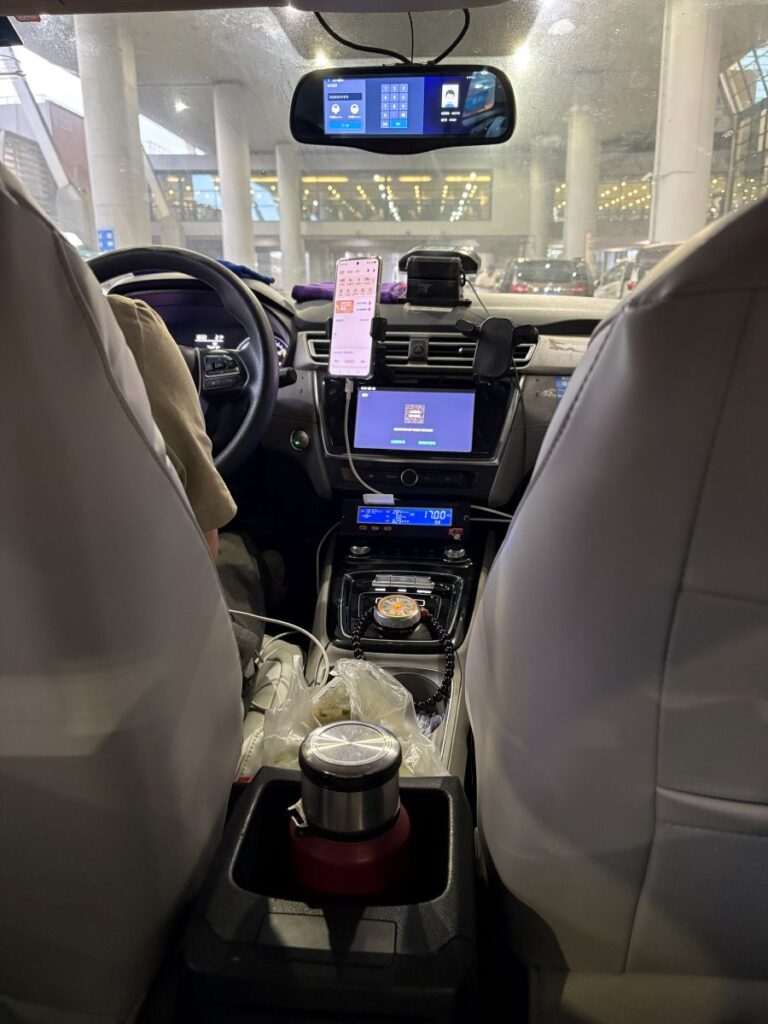
When you order your ride, screen shot the confirmation page that displays the driver and his license plate. In China, locals will show the driver their phone number to confirm they are the rider. Foreigners will need to show the confirmation page. Next, you will be required to pay for your ride ahead of time. Didi will not look for a driver until you have paid with Alipay. Some rides that are longer, the app tracks, and you might be required to pay an additional fee at the end. This happened to me twice to and from the airports. The ride took longer because of traffic. Alipay simply sends you another payment page that might not pop up until you go to make your next purchase.
Translation
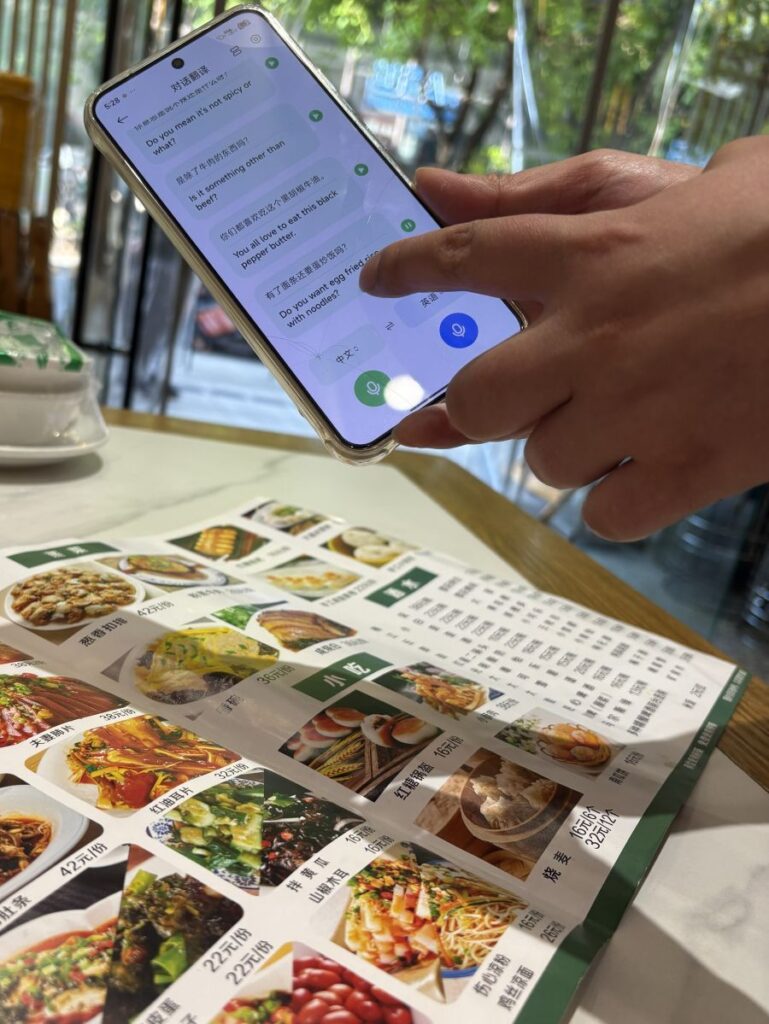
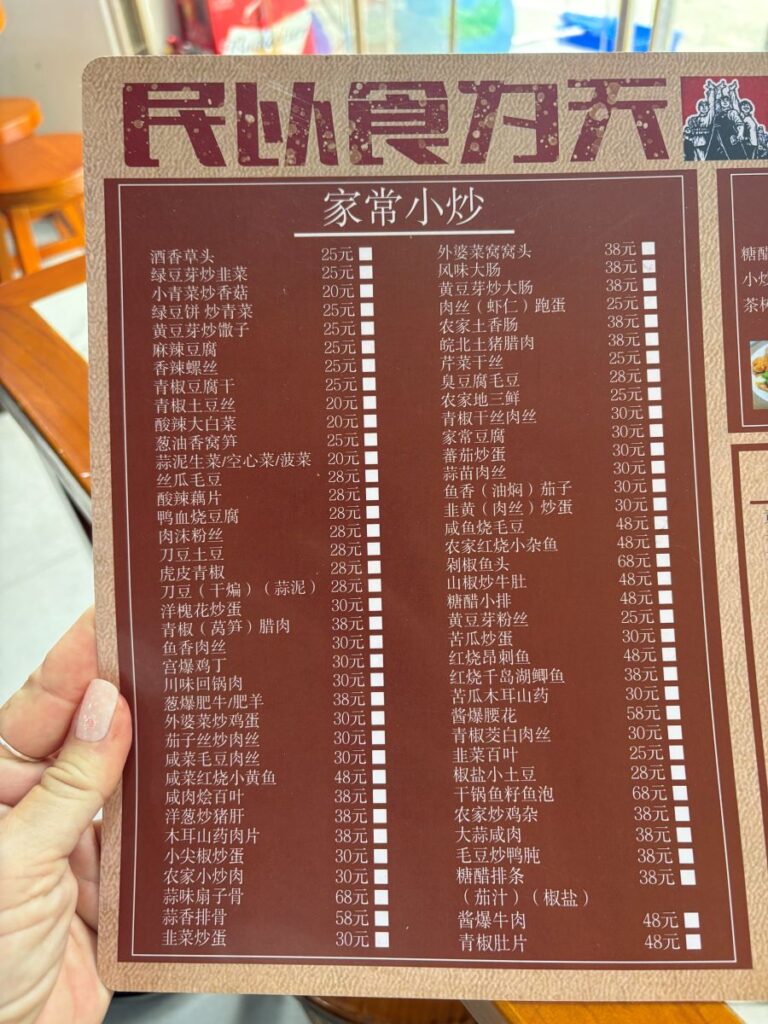
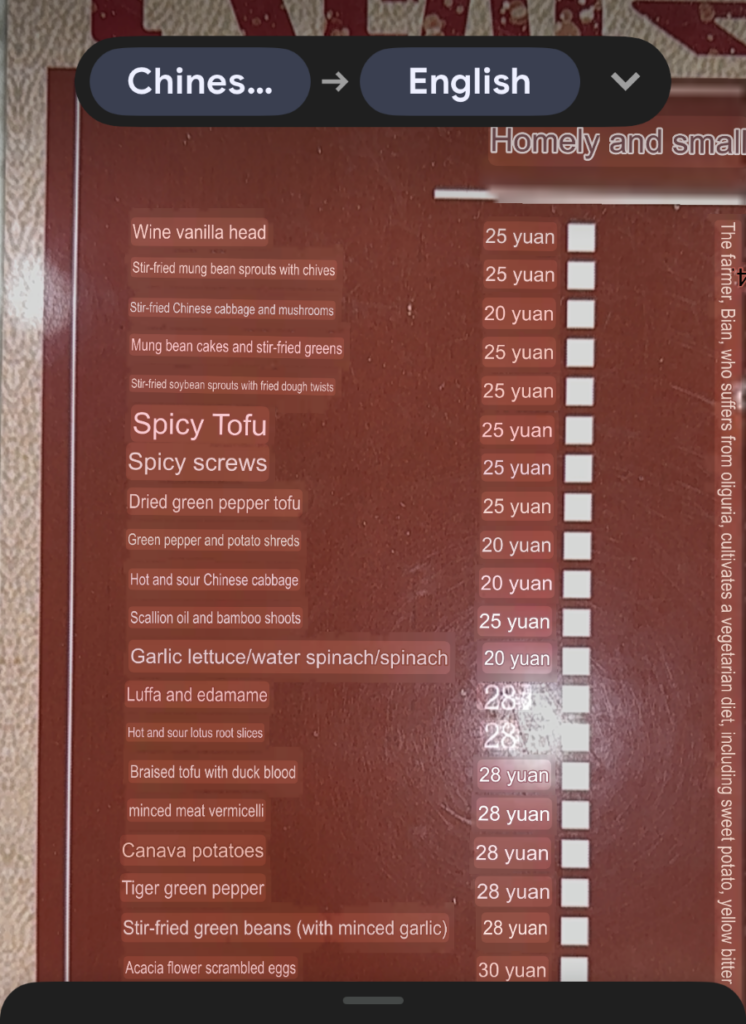
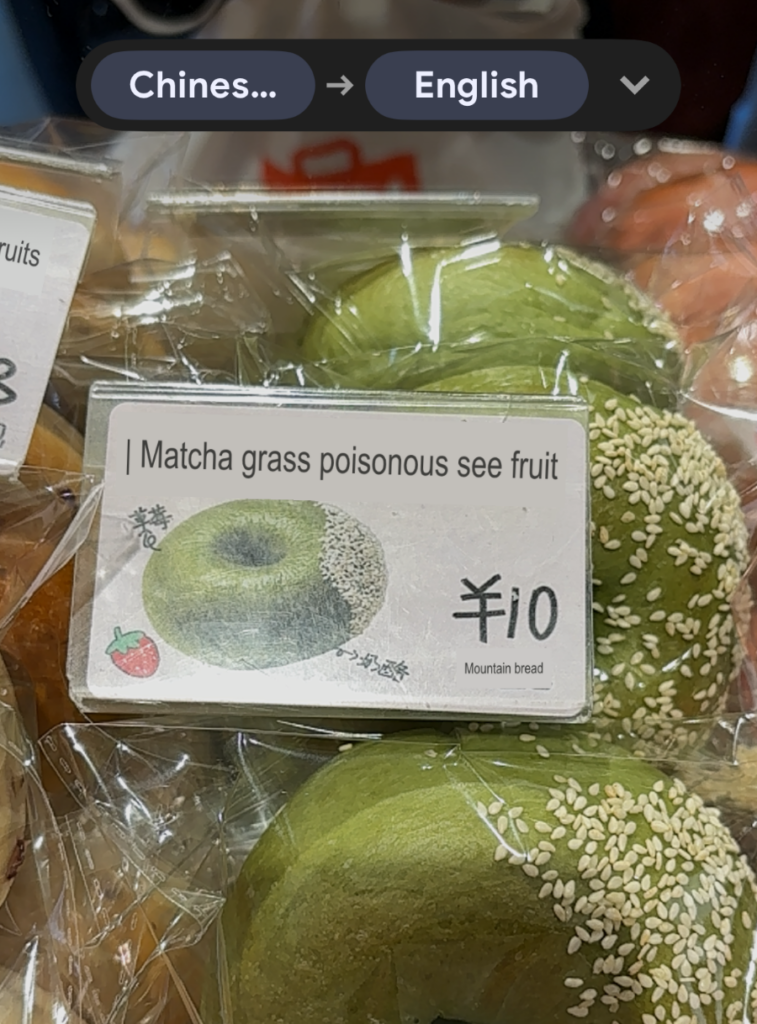
I encountered very little English spoken in China, there is a real language barrier. Before your trip, download both offline versions of Chinese from Google Translate. These I used regularly, mostly the ‘simplified’ version, to try and decipher menus and anything else I was trying to purchase. My hotel in Chengdu had an English speaker at the front desk, and is one of the reasons I booked that hotel. My first hotel in Shanghai, the staff spoke not a word and it was definitely a struggle especially when problems arose.
Airports
A few things to point out. Each time you arrive in China you are required to fill out an immigration form. You can do this ahead of time to save you from being in that crowd of travellers stuck at the tables and machines before immigration, struggling to connect with airport WIFI to complete this task.
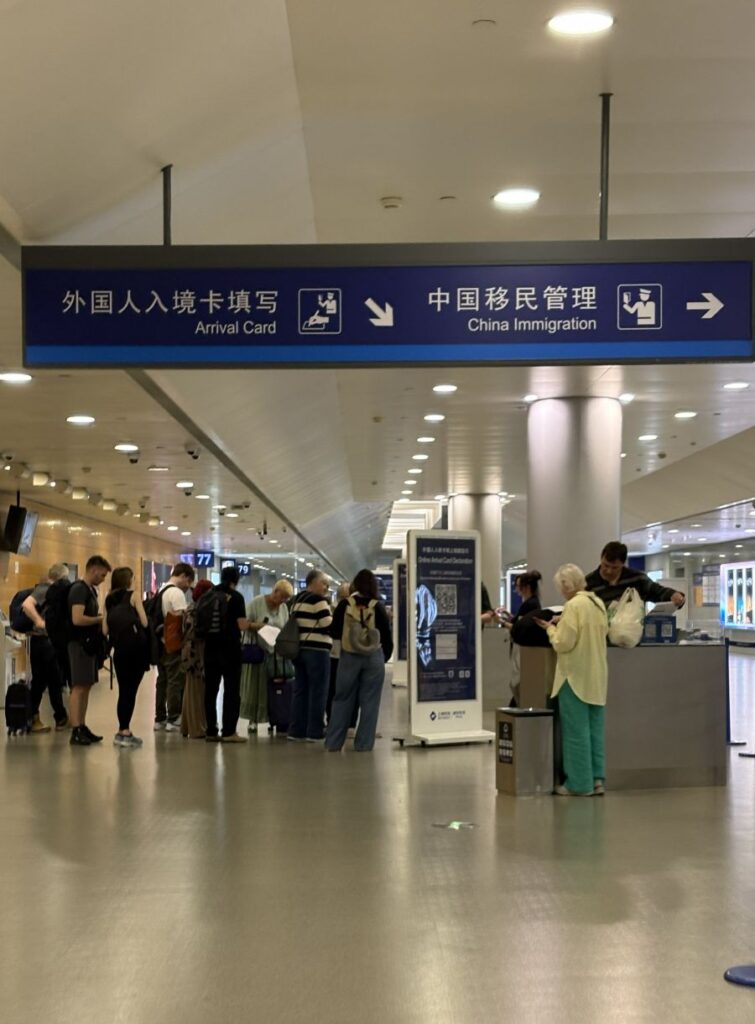
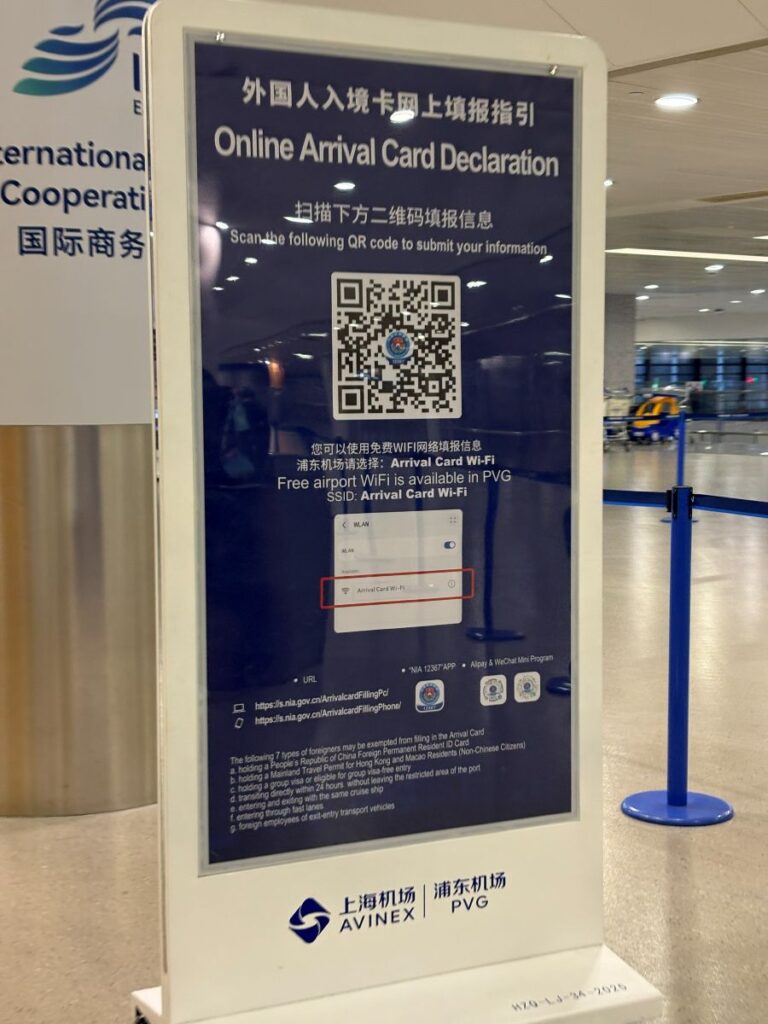
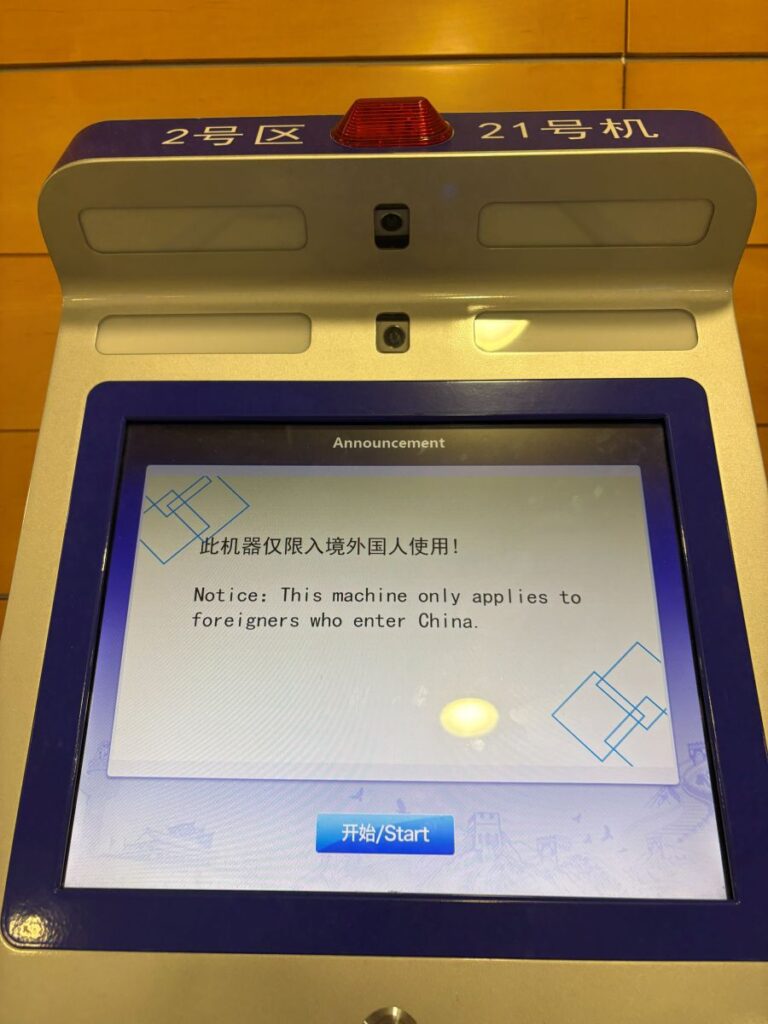
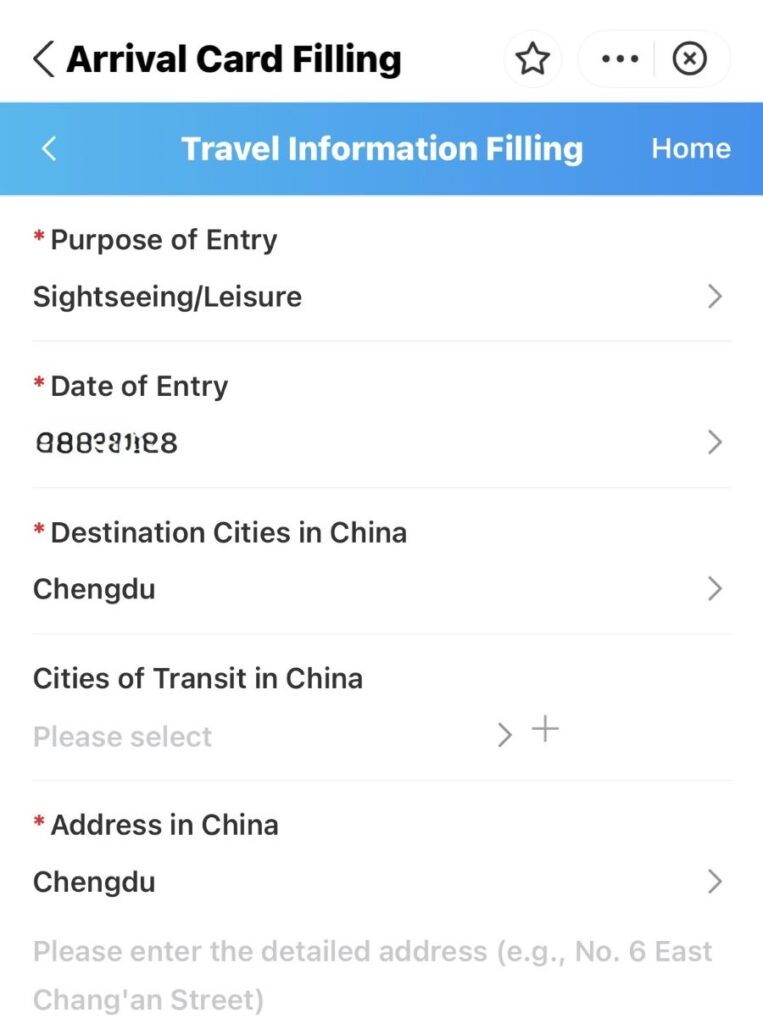
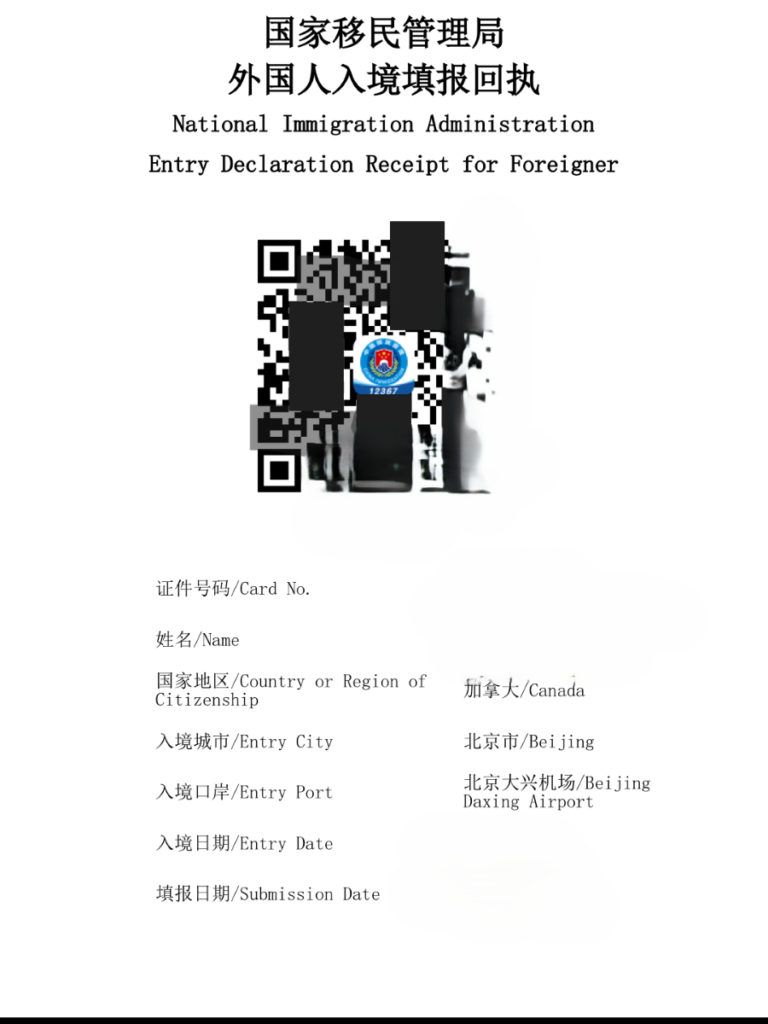
Open your Alipay and type the numbers ‘12367’. This will bring up the Immigration Bureau options for your stay. Select the tab that fits the purpose of your travel, for example tourism. From there a form will appear and it is simple and easy to complete. You will need the name of your hotel and the address. Have documents ready to show for the immigration officers. They may ask to see conformation of your hotel stay and exit flight. A screen shot of these should suffice.
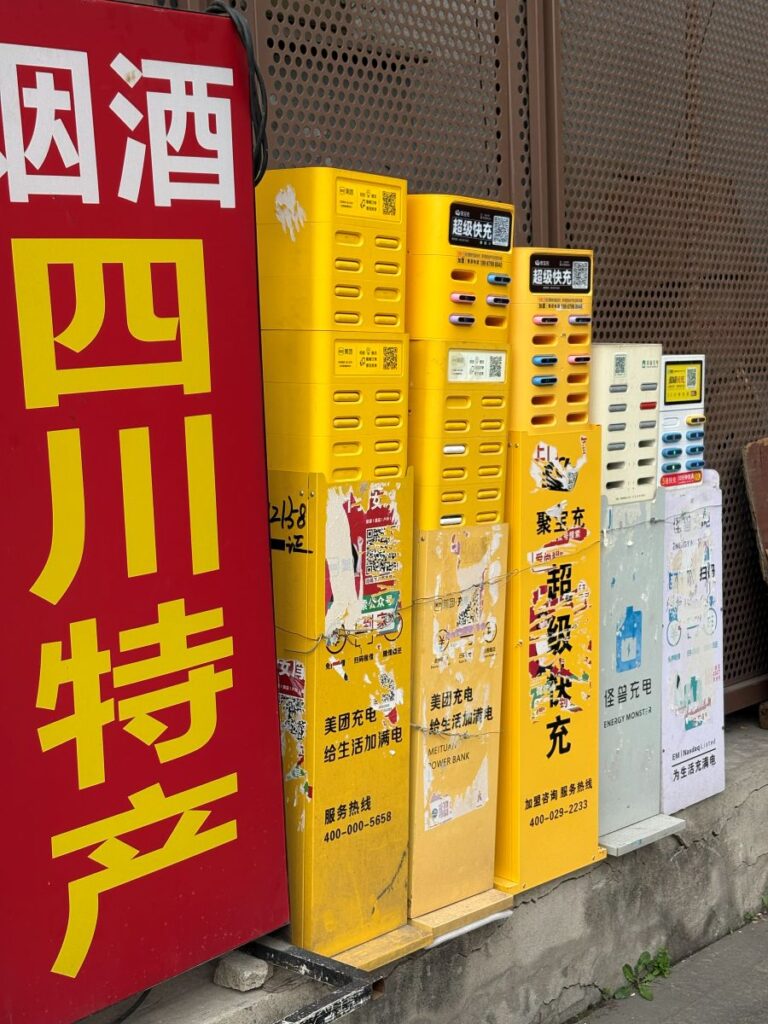
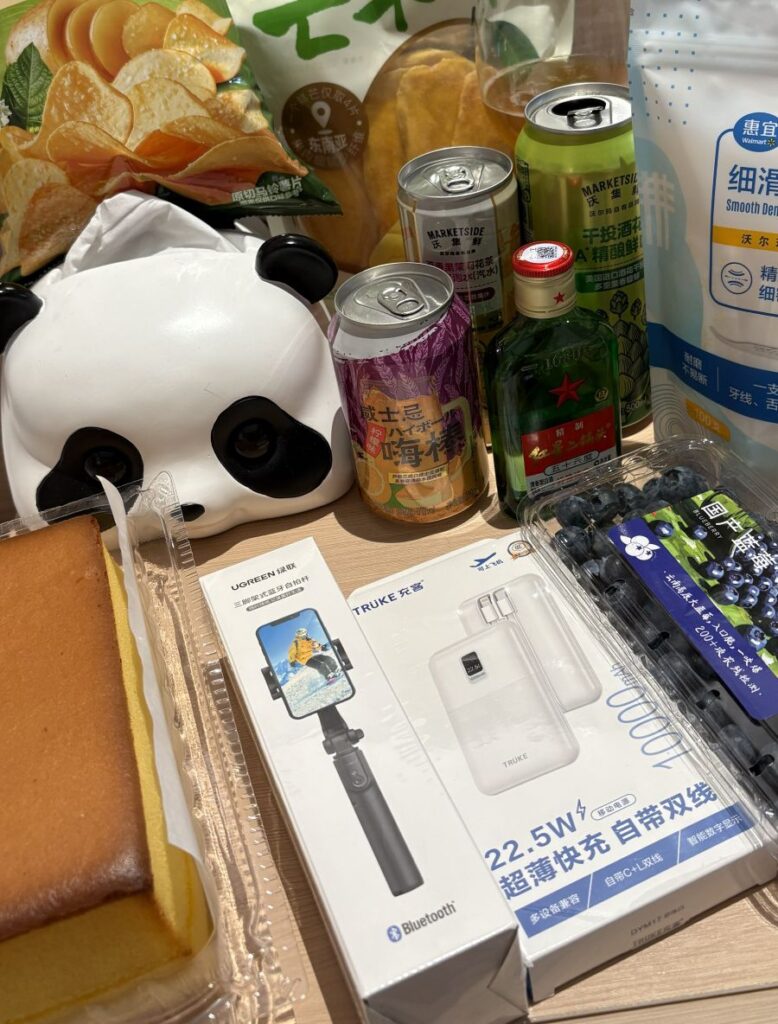
My powerbank was confiscated in Beijing. If yours does not have the ‘ccc’ logo within an oval, it will be taken too, especially for domestic flights. In Chengdu I was staying two minutes away from a Walmart and picked up a replacement for $12 CAD. A quarter of the price, smaller, lighter and faster than the old one. If you don’t want to purchase a replacement in China, simply use any one of thousands of public power banks. Open your Alipay app, scan the QR code on that specific block of banks, confirm the purchase and a power bank will pop out of the slot for you to ‘borrow’.
eSIM
You can get a physical SIM card in China however most tourists don’t. You will need to find a retailer and provide your passport to set it up, just like anywhere else. From Trip.com, you can purchase an eSIM ahead of time and this is the better option for several reasons.
Purchase it BEFORE you enter China. You will need to install it with stable WIFI, but don’t activate it until you have landed. There are many many options on trip.com to choose from. For both of my trips I simply selected the first one with thousands of reviews. Once you have selected the eSIM, you will be able to chose a package for the exact number of days you need and the exact number of gigs of data you need each day.
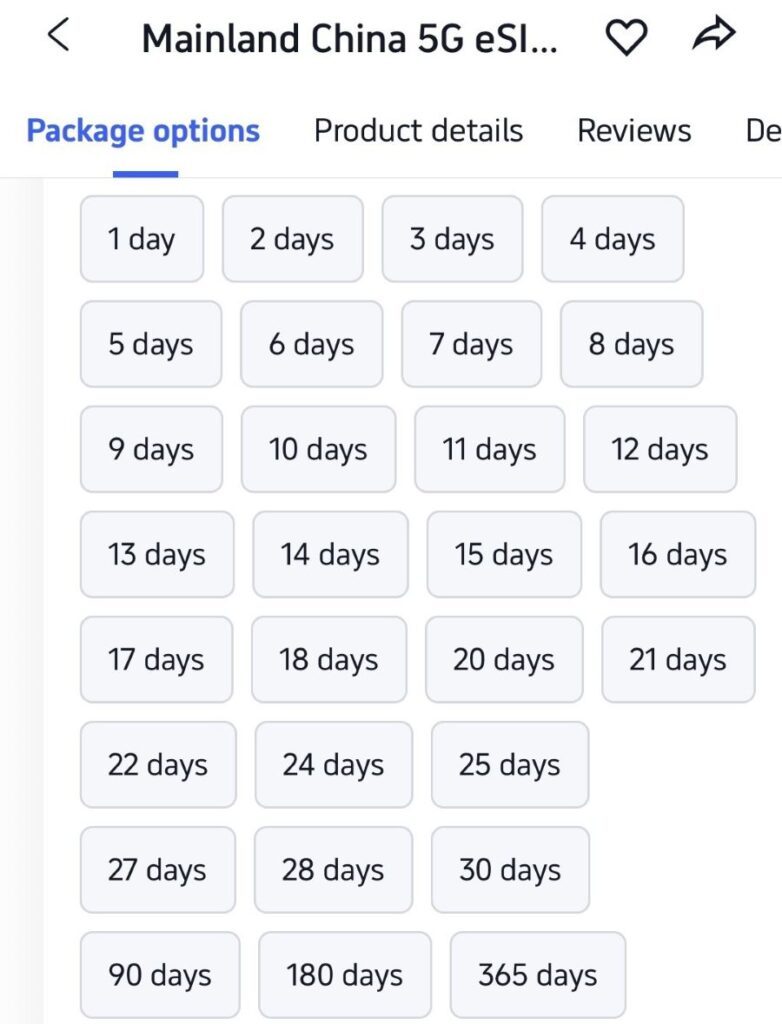
For both of my 10-day trips, I chose 11 days and 3G per day and the cost was around $18 CAD total. Once you land, toggle the eSIM to activate and you have almost instant coverage to now be able to pay for your ride from the airport using Alipay.
VPN’s & WIFI
This was ultimately my biggest headache in China on both trips and I hope I can offer some advice here to make your experience better than mine was. Because of the ‘Great Firewall’, almost everything you use on your devices every day is blocked or simply wont work. In order to get around this you need a VPN. The Great Firewall is very good and finding those VPN connections and cancelling them though and this is partly where the struggle lays. But for the VPN to work you need stable WIFI. And this believe it or not, was my biggest struggle.
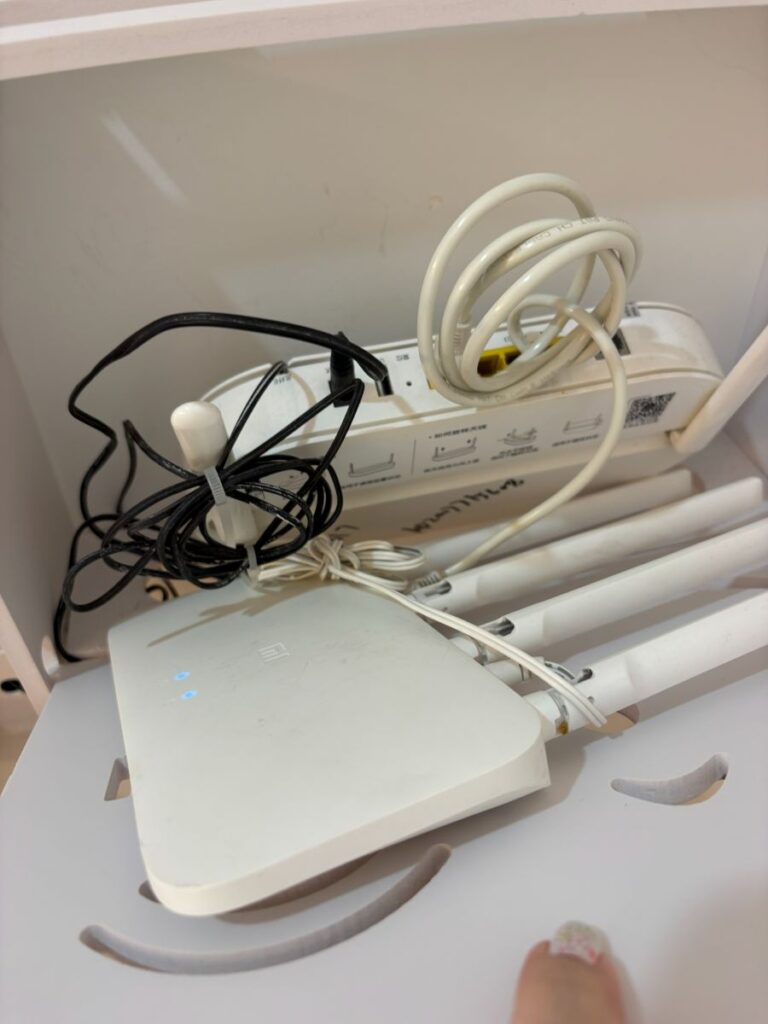
For a country that is so far advanced in so many ways, their WIFI is actually pretty terrible. Not only is it unstable but its weak. I ended up leaving a hotel, forfeiting nights stay, because the WIFI was simply non-existent for most of the day.
Nord & Proton
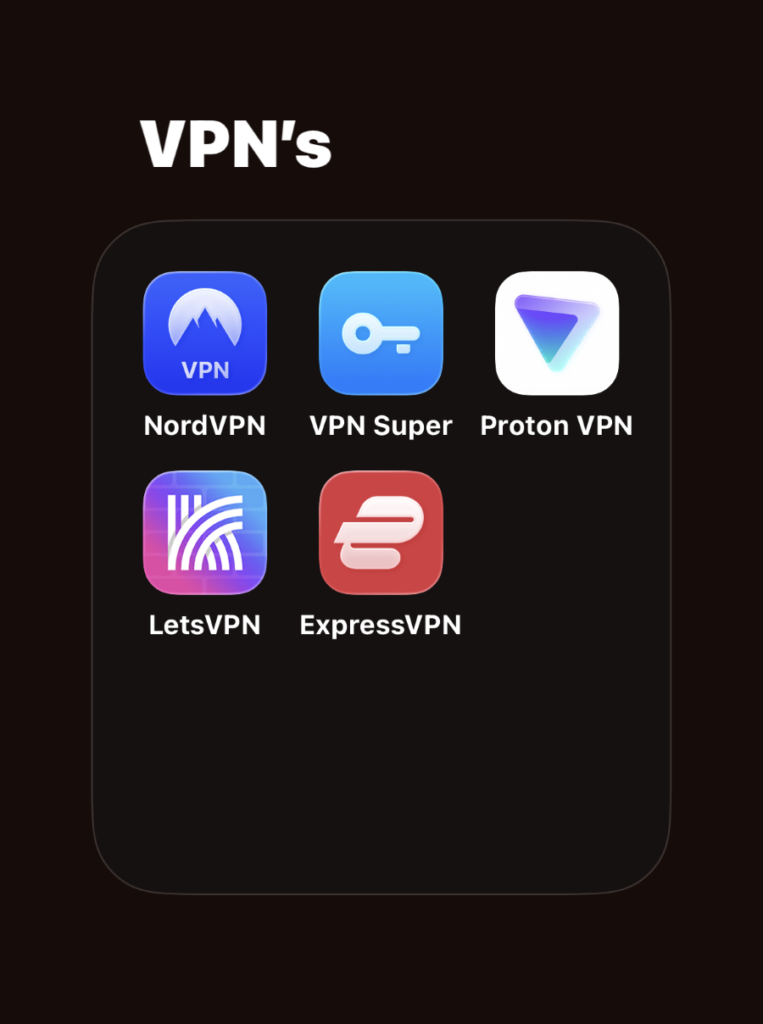
Before your visit, download a selection of VPN’s. I have two set up that I am paying for, and three free ones, for a total of five. Let’s VPN that I paid a one-month subscription for to cover both of my trips, was useless. It didn’t even connect one single time. And it was the one most recommended by expats and residents in China. But…just when I was arriving, the government cracked down on it specifically and it stopped working at all.
I ended up bouncing between Nord and Proton and it is those two that provided the most reliable connection. If I couldn’t get one to connect after say 10 tries, I tried the other one. The best countries to connect to are Hong Kong & Japan. The lag is simply too long between anywhere further. If you connect to Hong Kong, there are certain apps that still won’t work because they are banned there too, think TikTok.
Key Tip
When you leave your hotel & WIFI connection each day, you need to disconnect your VPN because your Chinese apps won’t work with it. This is the biggest reason that travelers have trouble using Alipay and WeChat. If those apps don’t work for you, try disconnecting your VPN first. When you return to your hotel & WIFI, reconnect your VPN so that your western apps and email will work.
This post is very long, very wordy and I will close off here. As I think of more tips and tricks that could prove useful, I will update and add them. If you dear traveller have any questions at all, please ask. I am always happy to help in any way I can. Travelling to China is an incredible experience, the country is simply fascinating and extraordinary. But I will say, its not a place for novice travellers, it is not easy by any means.